A big change for user comments.
It may not seem like a big change to most, but for the past 25 years, our staff has been moderating user comments for sermons, one comment at a time. Every comment was reviewed internally before it ever appeared publicly.
This is no longer the case.
We have finally introduced a major shift in the way comments are handled—broadcasters themselves will now take on the responsibility of approving (or rejecting) comments submitted on their own sermons.
Comments Manager.
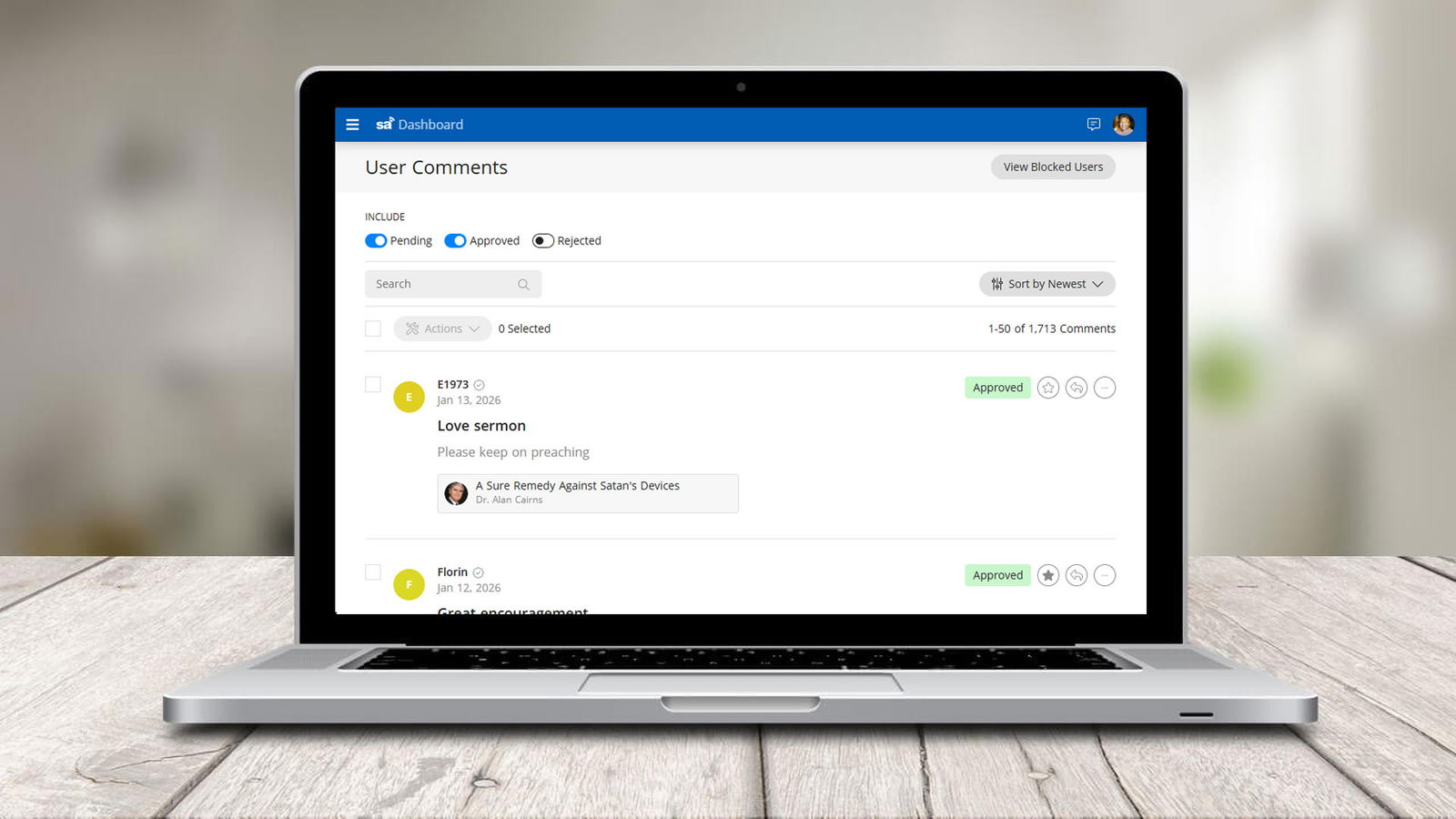
To support this transition, we’ve built an entirely new Comments Manager inside the Dashboard. This new interface allows broadcasters to:
- Browse or search all comments in one place
- Approve or reject submissions quickly
- Highlight select comments
- Reply directly to users
- Block users
Broadcasters will receive email notification whenever a new comment requires attention, ensuring that nothing is missed while keeping the workflow simple and efficient.
Highlighting comments.
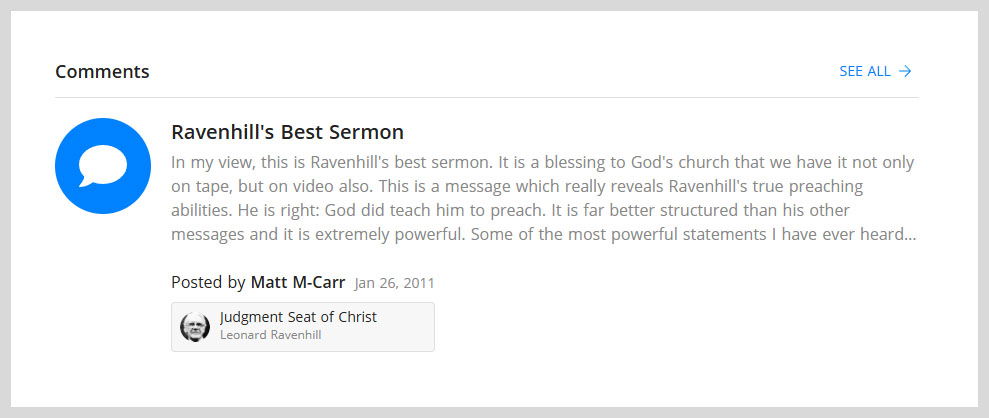
As a broadcaster, you have the option to highlight any comment that you feel is particularly special. Highlighted comments become part of a rotating set of featured comments that appear on the broadcaster’s homepage. This provides a meaningful way to showcase encouraging feedback, thoughtful insights, or particularly helpful remarks from listeners.
Replying to comments.
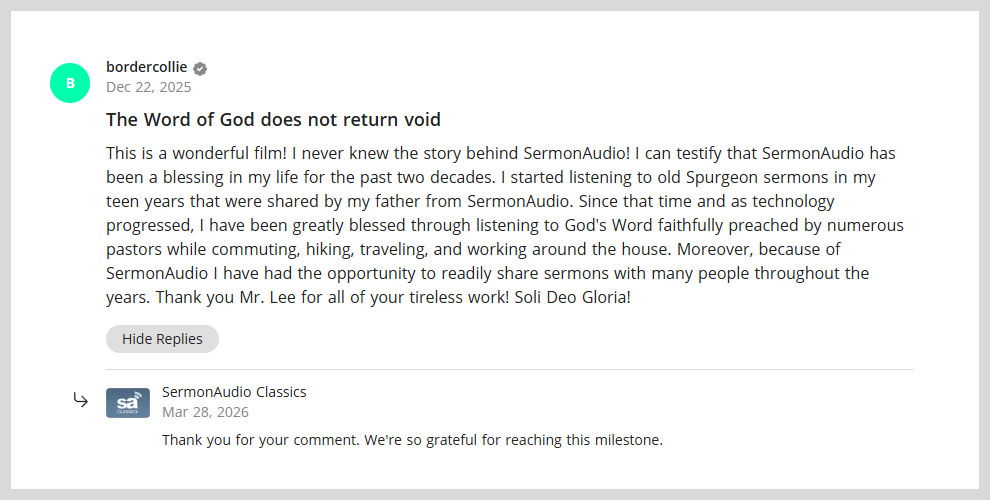
For the first time, broadcasters can now reply directly to comments. This opens the door to clearer communication and engagement—whether answering questions, offering clarification, or acknowledging feedback.
When a reply is posted, it will appear publicly alongside the original comment so that others can benefit from the interaction. At the same time, the user who submitted the comment will receive an email notification informing them that a reply has been made.
Blocking users and disabling comments.
In situations where a user may be repeatedly disruptive or harassing, broadcasters can choose to block that user. Once blocked, any future comments they submit will still appear in the Comments Manager, but they will be automatically rejected—thus reducing the burden to continually moderate the same individual.
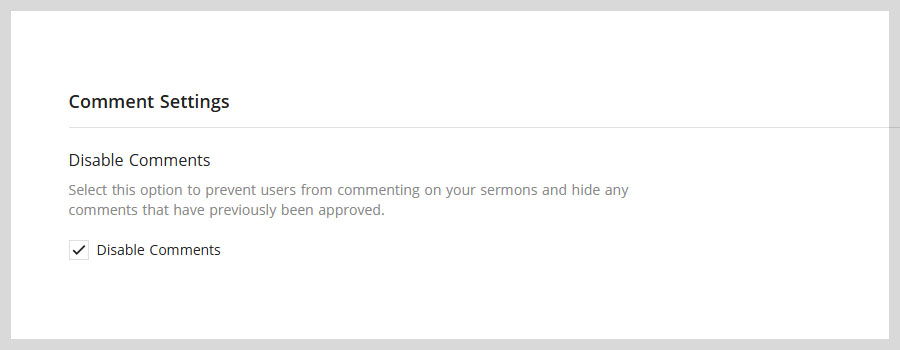
There are other situations where you may wish to disable comments altogether—thereby also removing all existing comments. This can be done easily by selecting the “Disable Comments” option in the Account Settings page of the Dashboard.
Why this change matters.
This change is about encouraging meaningful engagement around sermons.
We want to strengthen the connection between users and broadcasters—making it easier for listeners to comment, and for broadcasters to respond where appropriate. At the same time, this puts control back where it belongs, allowing broadcasters to decide what is approved and what is not.
Finally, this change helps bring to the forefront those sermons that have been a genuine blessing to others. Through highlighted comments and thoughtful interaction, we trust it will help bring forward sermons that have been a blessing to others.
Enjoy!